
Online Training
by Robert Berdan December 16 2015
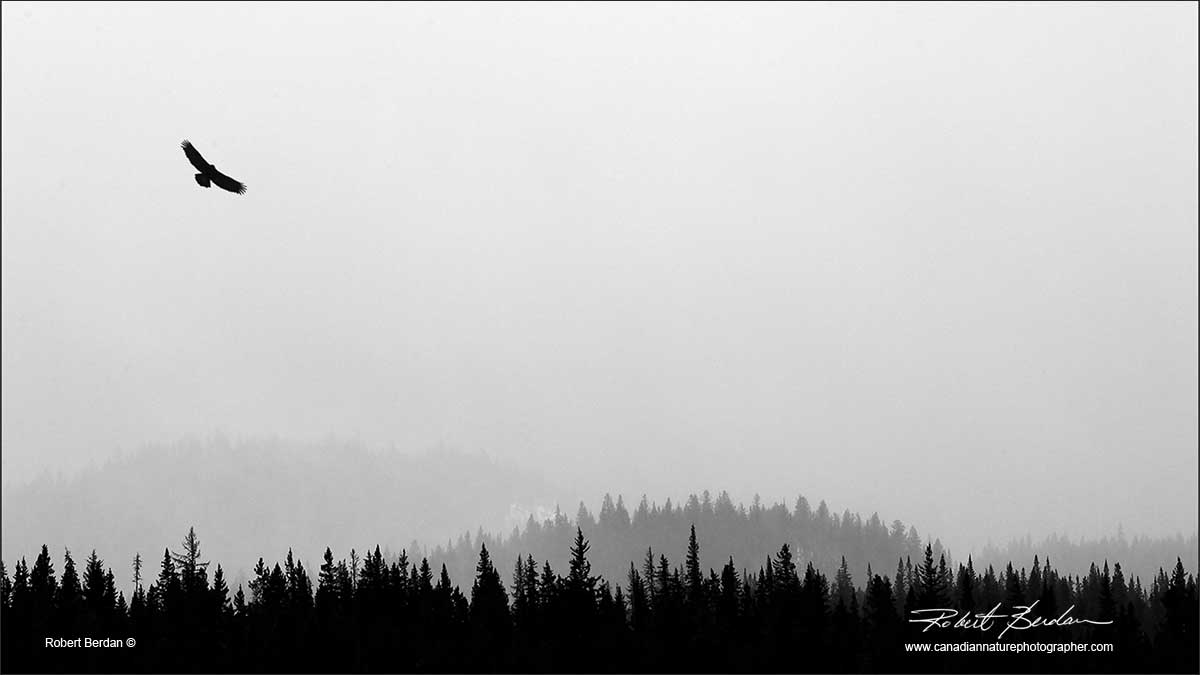
This is the size of the full page image 1200px wide, image will be responsive and shrink when viewed on tablets and cell phones. Authors name and copyright and web URL are encouraged, altnernatively you can include your signature if you know how to do this - I will have a short tutorial on how to do it in the future.
I will welcome short articles from anyone interested in Nature Photography amateur or professional. There is no runumeration for the articles, the main benefit is that the photographer gets their work displayed on a web site that has 20,000 visitors plus a month and also regular visits from potential photo-buyers. The article and pictures copyrright remains with the author. The author may submit the articles or a version of the article to a print magazine if they like. However, the article must be different from that posted on any other web site otherwise Google will penalize both sites for duplicate content.
Unlike print magazines - the articles will remain here for years and remain in Google's database. I also encourage you to include a link back to your web site and a link from your web site to your article. I also encourage all photographers to include a portrait of themselves along with a short biography and contact information - web site, email address and possibly a phone number.
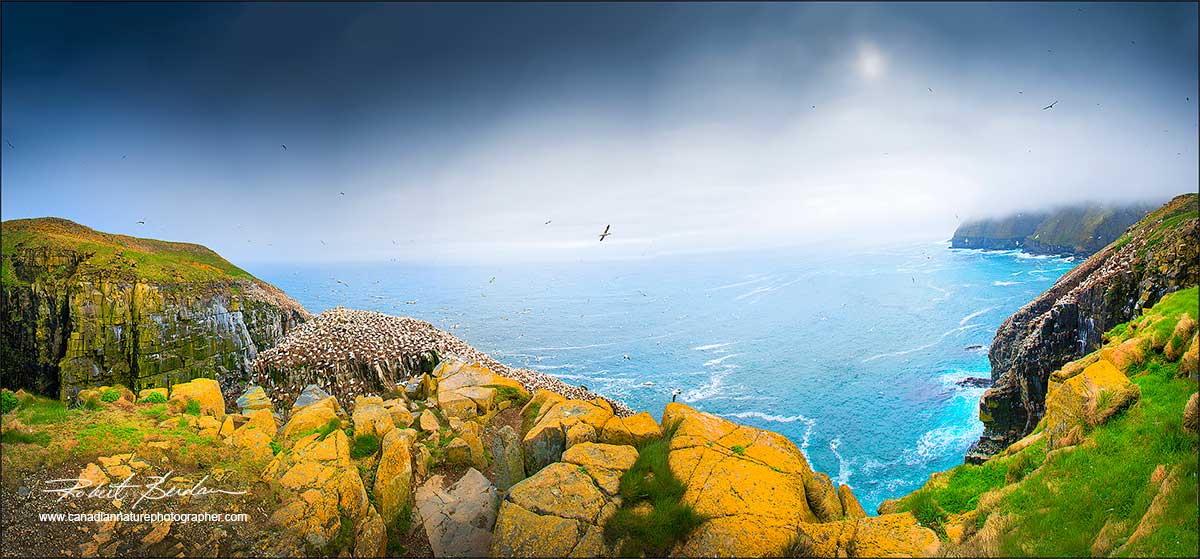
Panoramic photo of St. Mary's Newfoundland with nesting Gannets
If you have a new photo-book or ebook you would like to promote I I would be happy to feature it. The topics I am interested in showing on this web site are those that deal with Nature photography (Wildlife, Landscapes, Macro, Photomicrography, Astronomy and night sky, travel and adventure photography, hiking, kayaking, canoeing, underwater photography etc). The articles can also discuss new techniques, innovative equipment, software reviews, e.g. Photoshop, Lightroom, PTGui etc. Some equipment reviews will be considered, but I am not interested in camera reviews there are many other sites that already do this. With respect to lenses show what the lens can do in the field and strengths and weaknesses. If you offer some new equipment e.g. lightening detector by all means let me know - but the article must not be a duplicate from your own or another web site.
If you have a topic you are not sure about contact me and unlike most magazine editors - I will get back to you quickly (unless I am in the field). The articles should be typed into an email or attached as Microsoft word document so I can cut and paste your text. You should check spelling an grammer. Images should contain short captions and if you want the images inserted into specific places in the essay please indicate so in your document. Images can just be attached to an email - prefer if you did not zip or compress them just makes more work for me.
Images - each image will have alt="description of picture and authors name" embedded so they will be indexed by Google and are easy to find. The authors name should be included on the picture. You can include your name 14 pt Arial, Helvetica or Verdana font 14pt and long with a copyright symbol (alt 0169 PC or Option-G Mac). If you don't know how to do this I can do it for you. You may also want to include your web address - I will be doing this for all my own images. If you know how and you want to embed your signature instead of typed name and copyright that is fine. No other watermarks are permitted - anyone knowledgeable about photoshop can remove them easily anyway. A one pixel black stroke around the image is optional. If you would like to add several images inside of one image that is OK as well.

If you would like to combine several images into one - you are welcome to. I will also accept vertical images, or images side by side. If you would like to include: audio, video, time-lapse or virtual movies I can assist you with this.
Article length can vary but must fit on one web page with photos. Articles can be as short as few paragraphs. Include a clear Title, Author's Name, email, web site and a small portrait or picture of the photographer in the field. The images need to be 1200px wide to fit these new web pages. The portrait can be anything from 1200px to a smaller portrait which will be presented at the bottom. I also encourage authors to link to their articles from their web site.
I recommend looking at previous "Featured Photography" articles before you sumbit something. If you have questions feel free to email me.
Authors Biograhy & Contact Information - Example
 Robert Berdan is a professional nature photographer living in Calgary, AB specializing in nature, wildlife and science photography. Robert offers photo guiding and private instruction in all aspects of nature photography and Adobe Photoshop training.
Email at: rberdan@scienceandart.org
Web site: www.canadiannaturephotographer.com
Phone: MST 9am -7 pm (403) 247-257.
Click on the buttons below and share this site with your friends